New Mobile app builder for Odoo stores
White-label Odoo customer mobile app
Turn your Odoo store into your own iPhone and Android shopping app. Drag and drop your screens, preview them on a phone, publish under your name, and bring shoppers back with push notifications.
- Design and preview before you choose a plan
- 14-day trial on paid plans
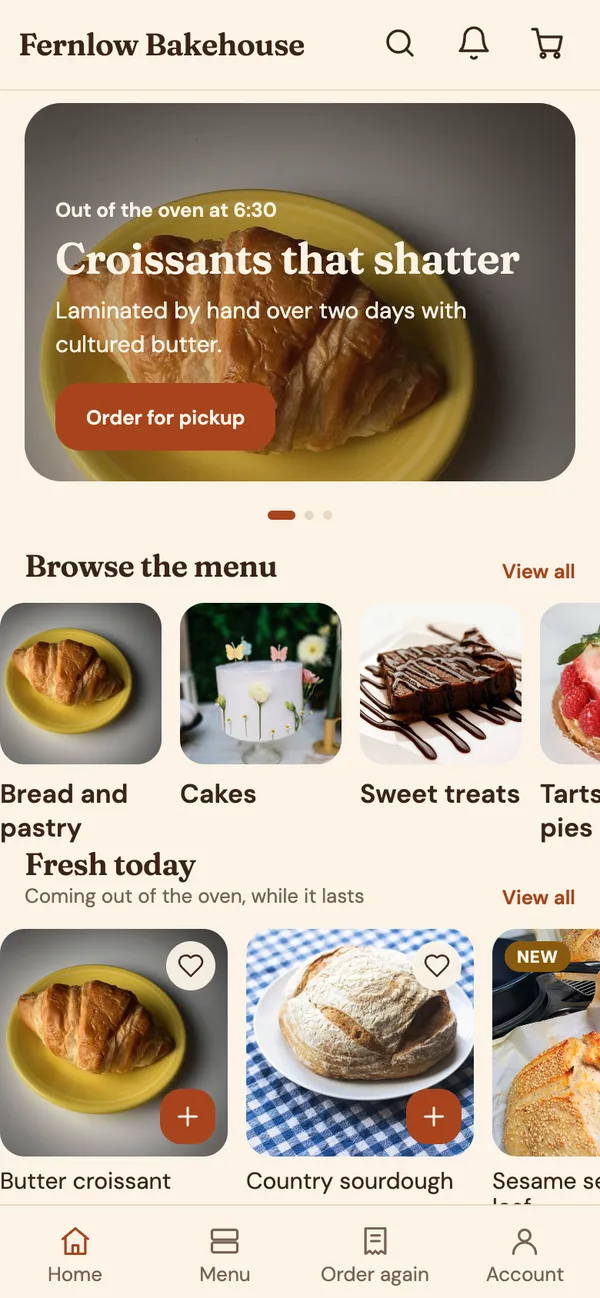
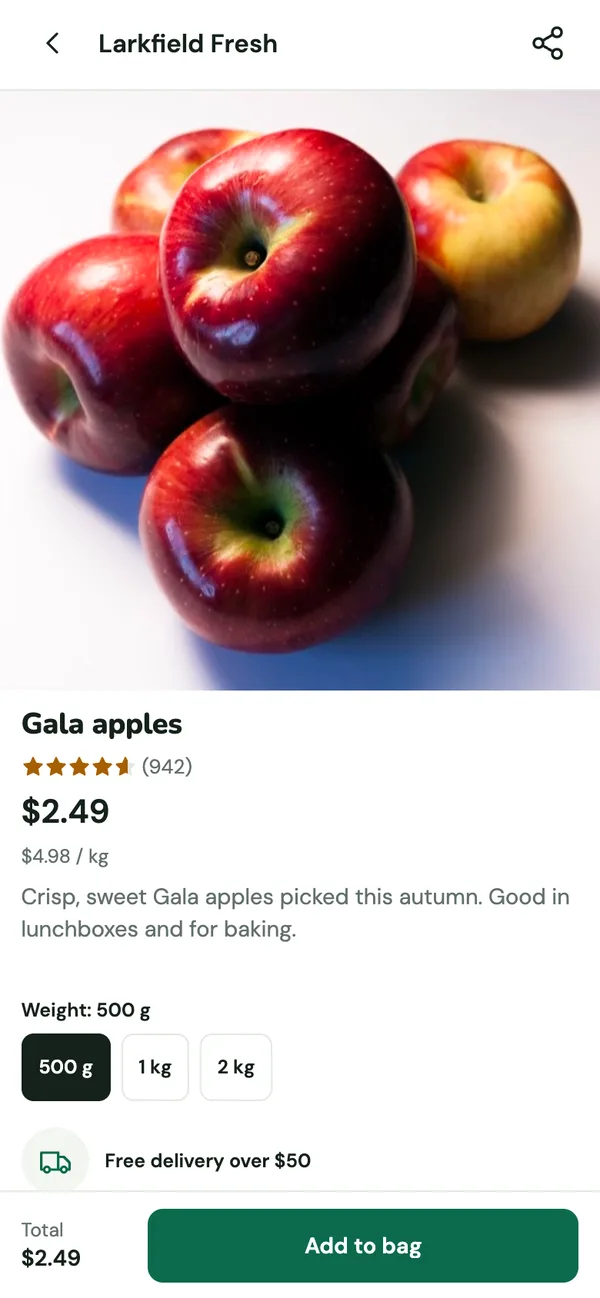
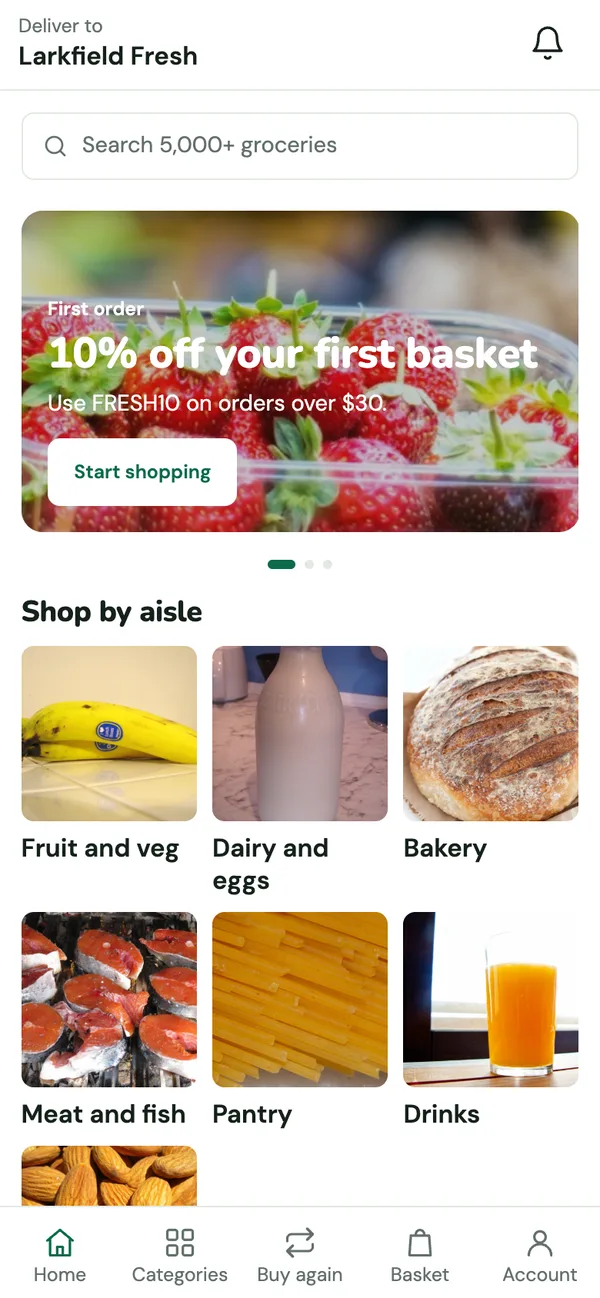
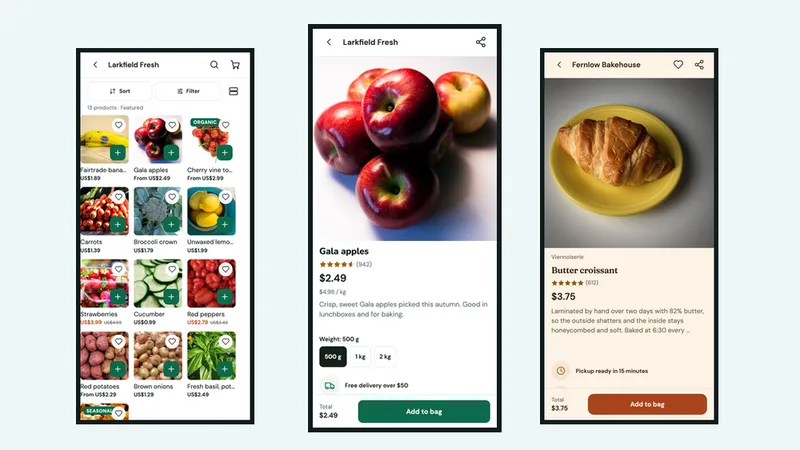
Example shops on the Fresh Basket and Bakehouse templates
- White-label
- iOS and Android
- React Native
- Headless
- Push notifications
15 app themes
Different mobile app themes for different shops
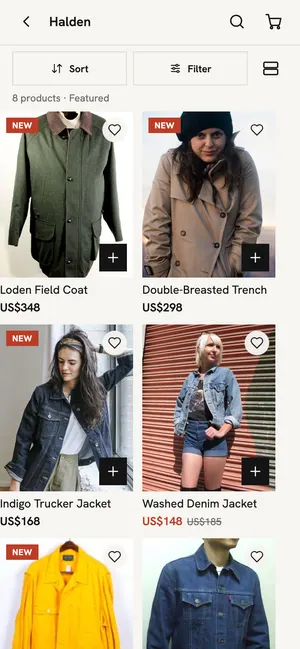
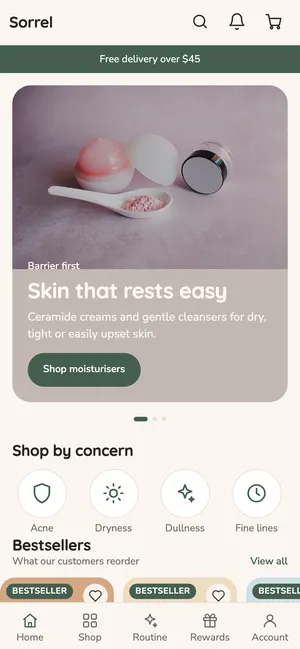
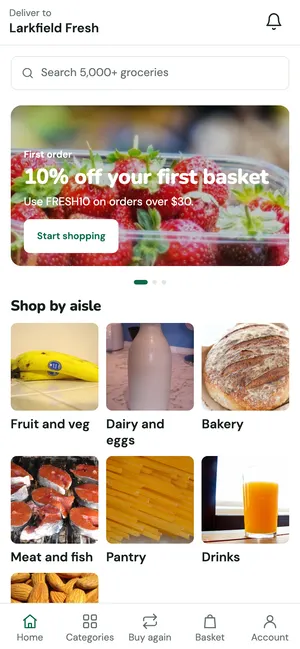
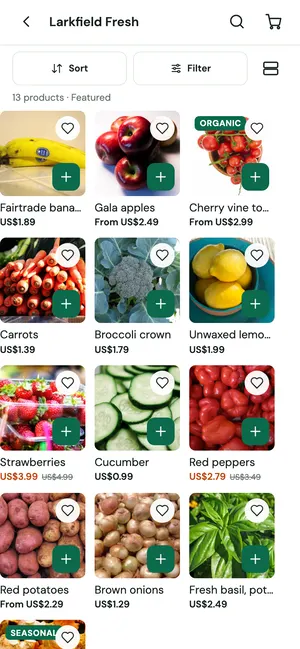
Each design comes with screens and blocks made for its industry, and every part of it can be changed in the page builder. Pick the one closest to your shop and make it yours.
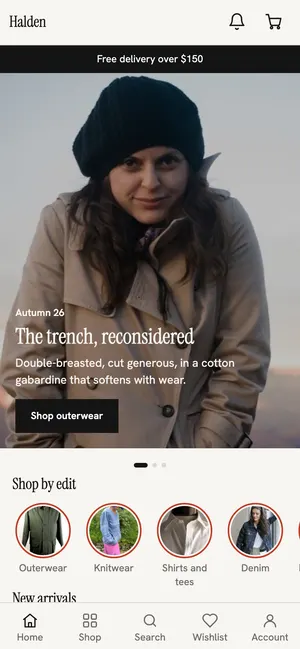
- Fashion and apparelSize and fit finder, shop the look
- Beauty and skincareShade finder quiz, routine builder
- Grocery and quick commerceDelivery slots, buy again
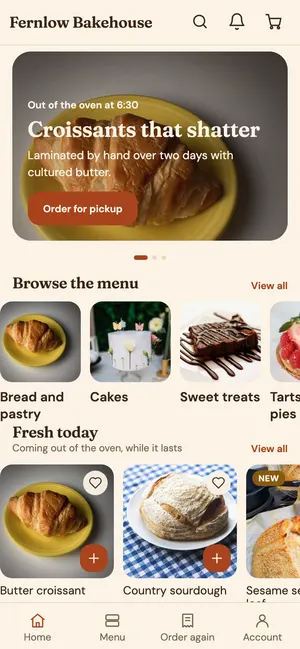
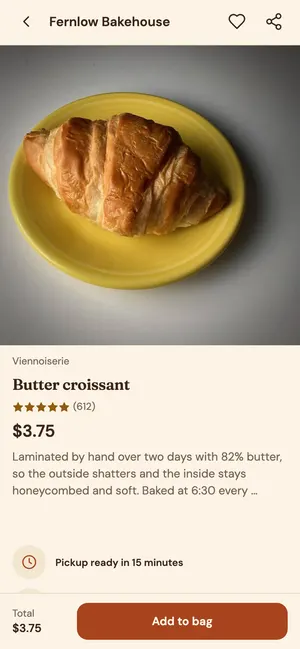
- Food, beverage and bakeryPickup toggle, allergen filters
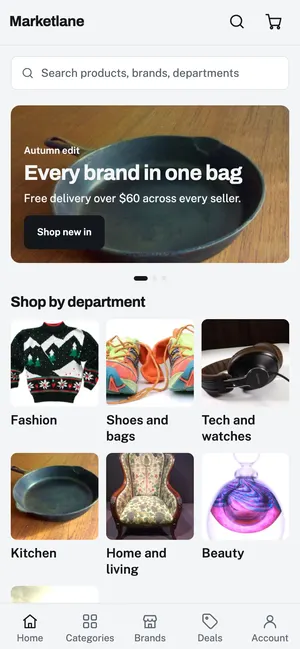
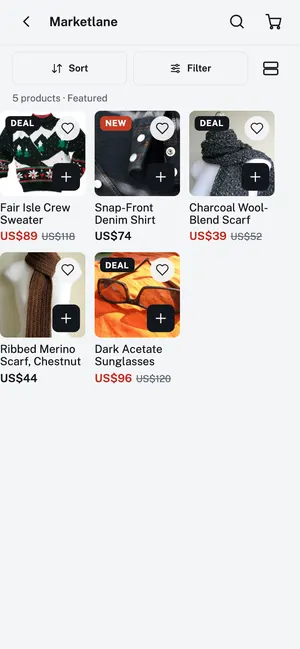
- Multi-brand and department storesBrand pages, deals tab
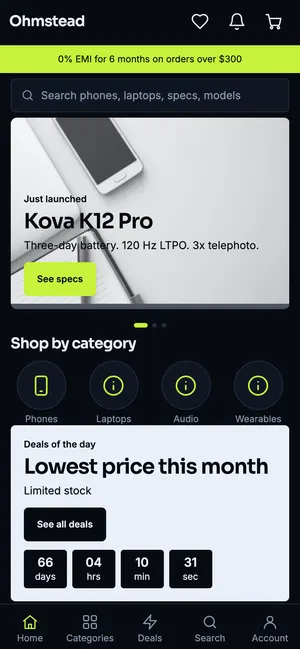
- Electronics and gadgetsSpec filters, compare up to four
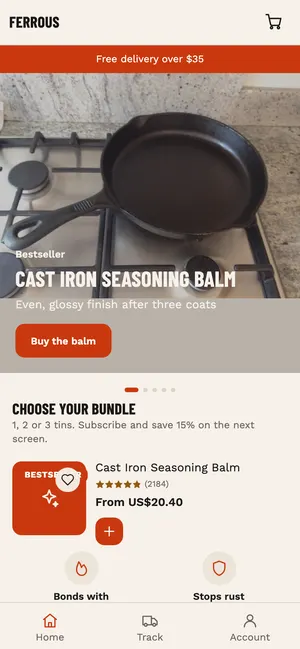
- Single-product brandsOne hero product, one bold page
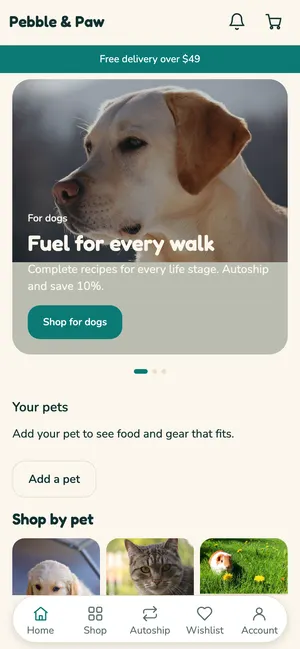
- Pet food and suppliesFood and gear matched to your pet
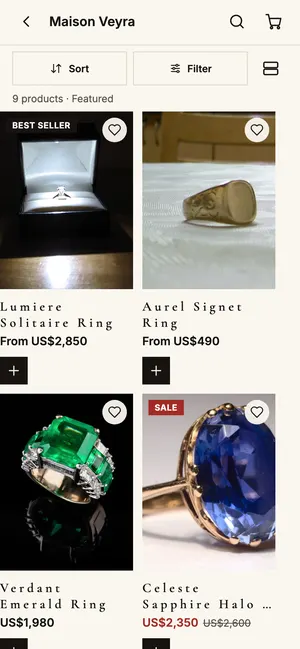
- Jewellery and luxuryPrice breakups and private appointments

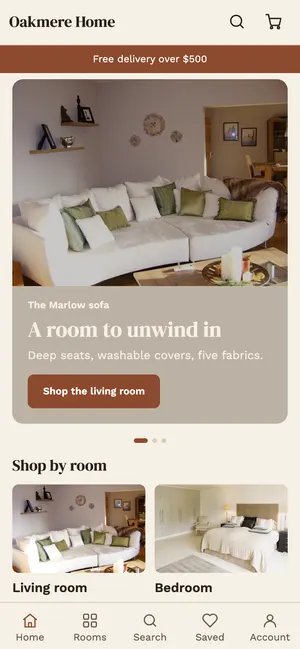
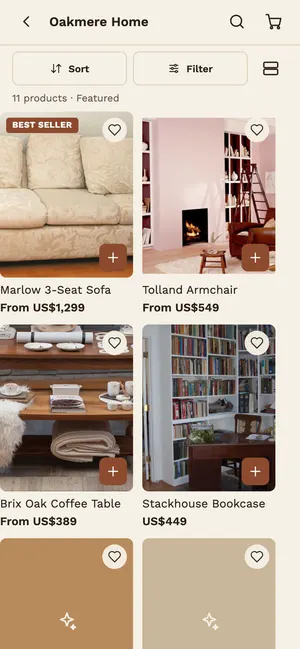
- Home and furnitureFurniture and home, shopped by room
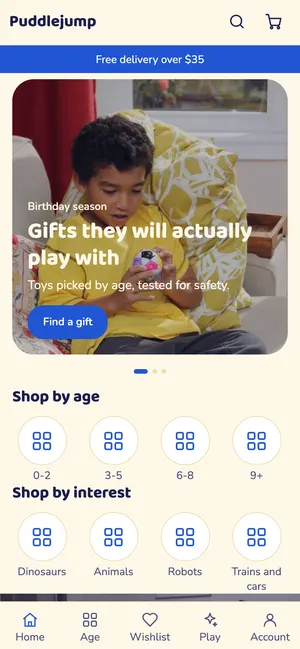
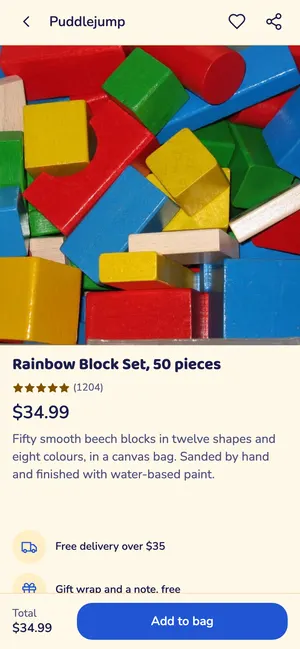
- Kids and toysToys by age, with safety on every page
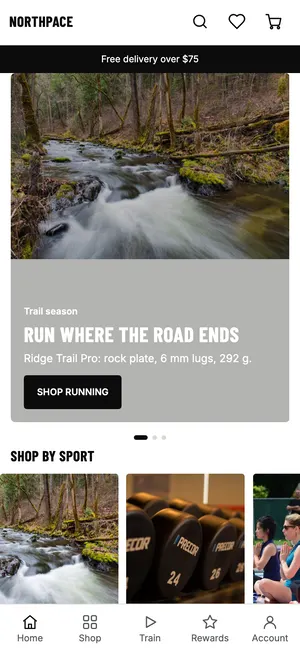
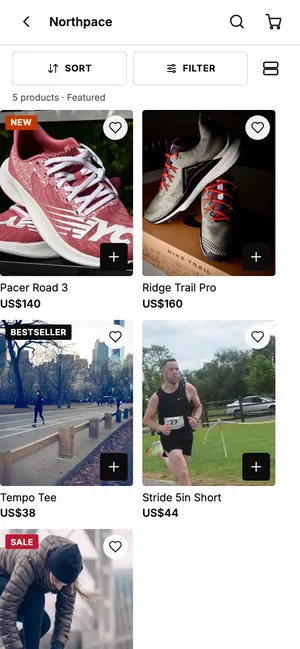
- Sports and fitnessBuilt for movement
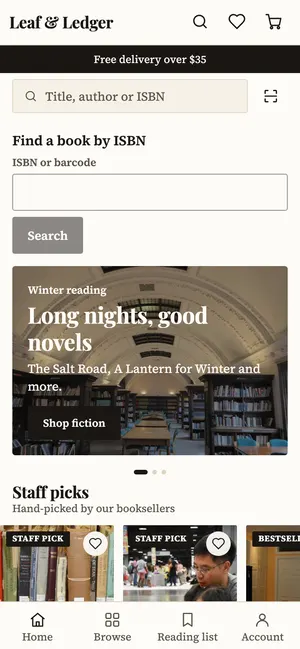
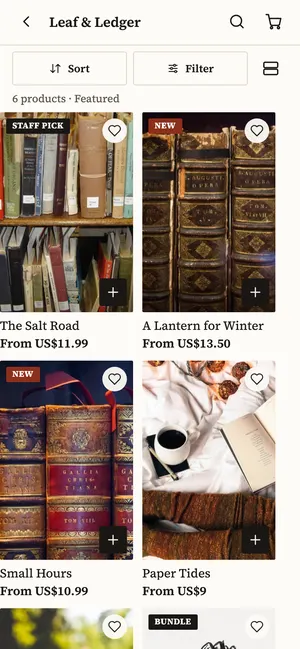
- Books and stationeryCover-first layouts, set in good type
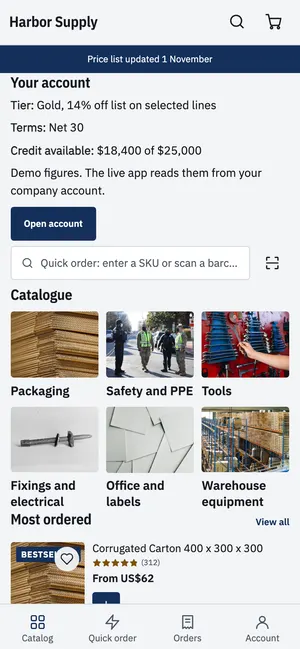
- B2B and wholesaleDense price and stock lists
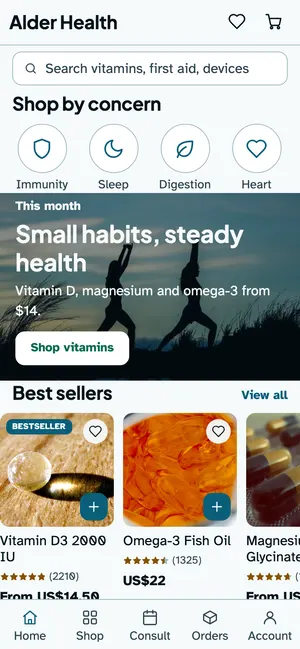
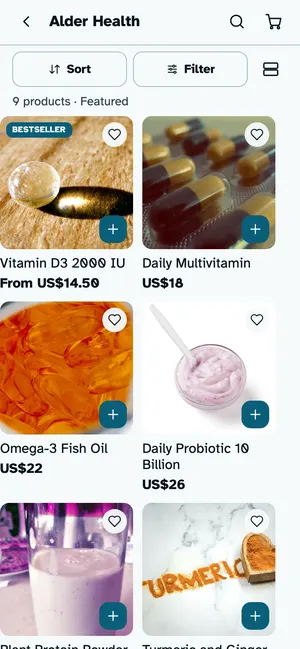
- Health, pharmacy and wellnessClear, calm and accessible
How it works
From Odoo store to app store in four steps
- 1
Pick a template
Start from a layout made for your kind of shop, then change anything in it.
- 2
Make it yours
Logo, colours, fonts, app icon, launch screen, tabs and menus.
- 3
Try it on a phone
Preview the app with your real products before anyone else sees it.
- 4
Publish
Send it to the App Store and Google Play from your own developer accounts.
Build it your way
A drag-and-drop page builder made for shopping apps
Design every screen yourself, start from a ready layout, or mix both.
Drag-and-drop page builder
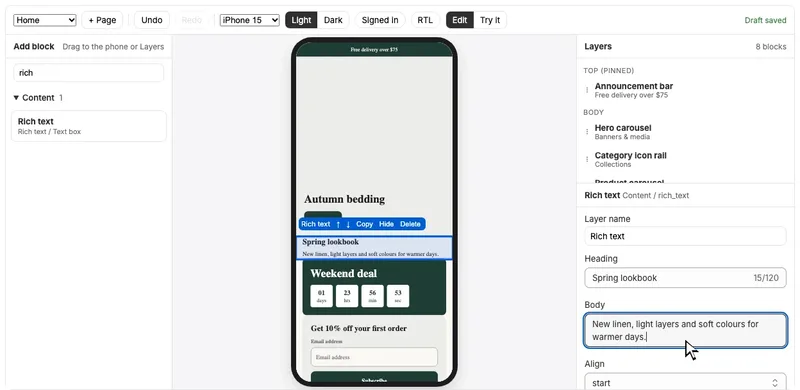
Pick a block, drop it on the phone and see the change straight away. Reorder, pin or hide any section.
Store templates
Fashion, beauty, grocery, bakery, department stores and more.
Drag-and-drop blocks
Banners, collections, products, product pages, cart, account and content.
Custom pages and sections
Create your own pages, like lookbooks, offers or brand stories, and build them from any block, rich text and images included.
As many sections as you need
Stack sections on every screen and arrange them in any order.
Light, dark and right-to-left
Preview each screen in light and dark, signed in or out, and in right-to-left languages.
Push and growth
Bring shoppers back with messages they open
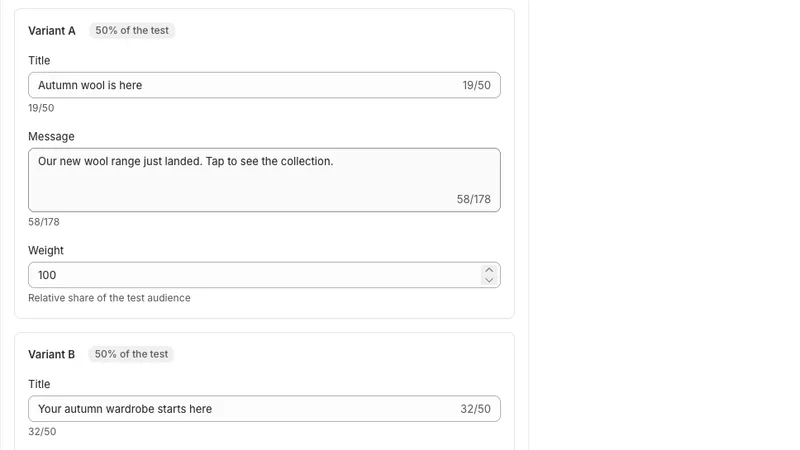
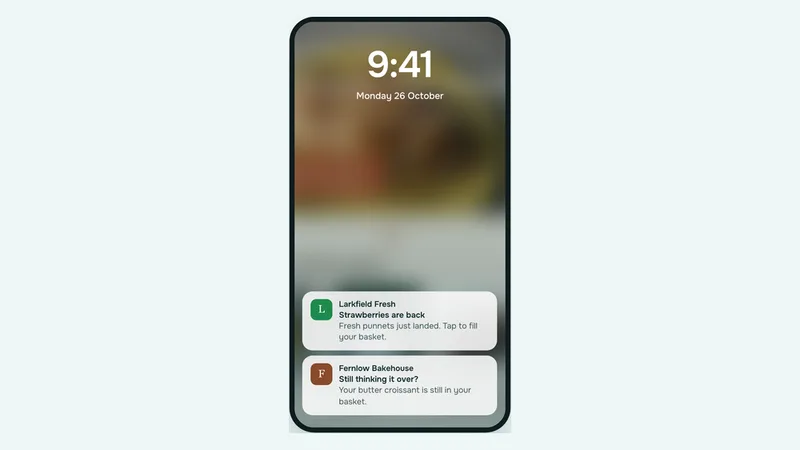
Send campaigns to audiences built from your customers and segments. Test up to eight versions of a message, then send the best one to everyone else. Abandoned cart, welcome and order updates run on their own.
Features
Everything in the Odoo customer mobile app
Shoppers browse and sign in through your Odoo store.
Design and build
- Drag-and-drop page builder
- 15 ready app themes, one per industry
- 50+ blocks: banners, products, video, countdowns and more
- Custom pages and sections
- Brand kit: logo, colours and fonts
- App icon and launch screen
- Tabs, menus and navigation
- Light, dark and right-to-left preview, Arabic included
Shopping experience
- Search, filters and sorting
- Wishlist and recently viewed
- Product reviews and ratings
- View in your room with AR
- Shoppable product videos
- Customer accounts and order history
Marketing and growth
- Push campaigns, sent now or scheduled
- A/B tests with up to eight versions
- Abandoned cart, welcome and order update automations
- Audiences from your customers and segments
- In-app messages, banners and app-only discounts
- Countdown deals and free-shipping meter
- Smart app banner and store links for more installs
- Deep links that open the right screen
Engagement
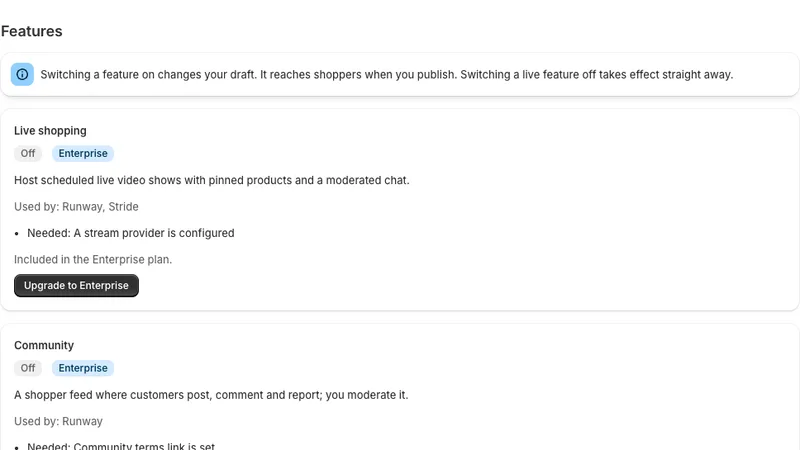
- Live shopping with pinned productsEnterprise
- AI shopping assistantEnterprise
- Games: spin the wheel, scratch cards, mystery boxesEnterprise
- Community feed with moderationEnterprise
- Appointment booking
- Gift registries
Native app features
- Home-screen widget for order status
- Live Activities for order tracking and live shows
- Push permission screen before the system prompt
- Account deletion inside the app
- White-label: your name, icon and developer accounts
- React Native for both iOS and Android
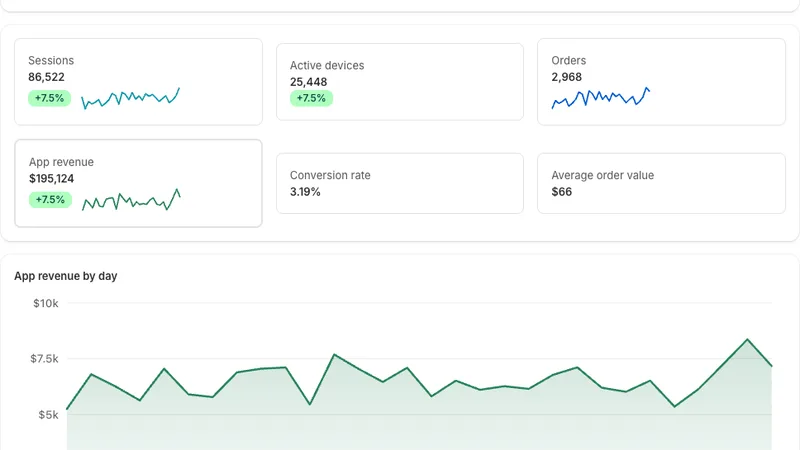
Run and measure
- App analytics: sessions, orders, revenue, conversion
- Data exports and scheduled destinations, BigQuery included
- Team roles, approvals and an audit log
- Publishing centre for store builds and releases
- B2B and wholesale quotesEnterprise